Jenkins Guide for CI/CD and Project Automation Explained

Explore Jenkins for CI/CD automation and project management. Learn how Pinblooms helps streamline software development and improve project efficiency.

WooCommerce Development

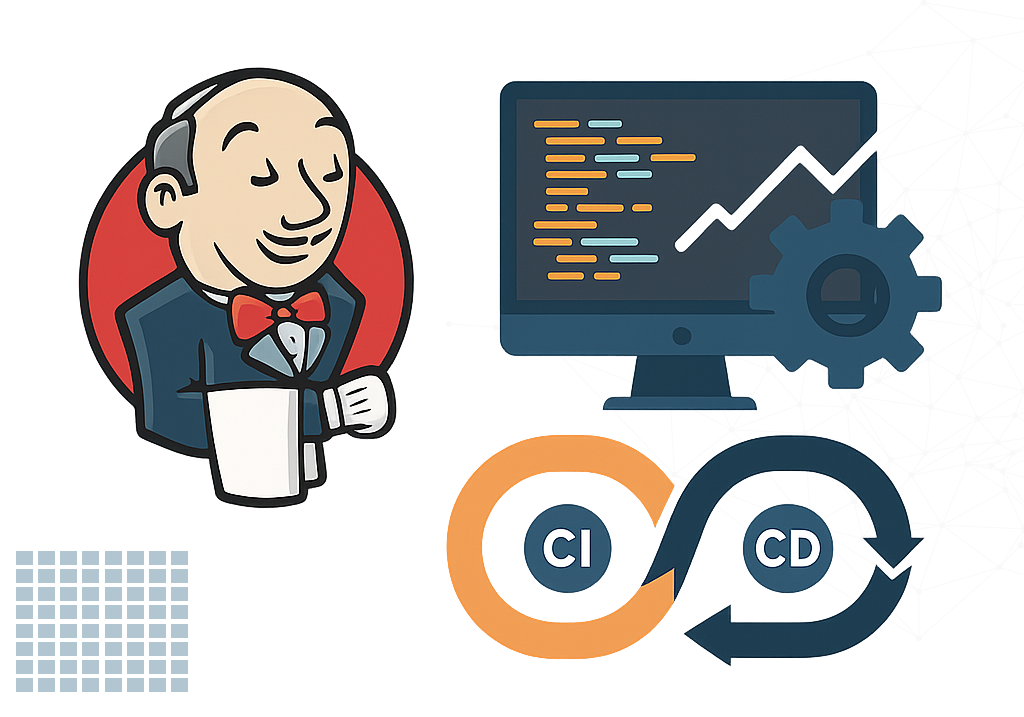
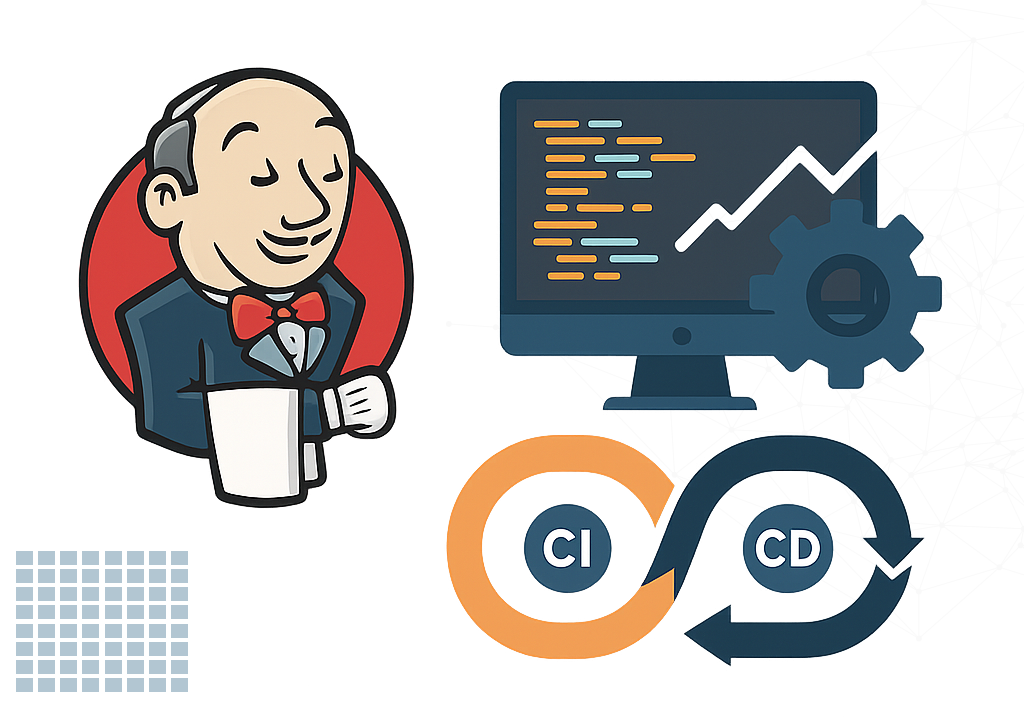
In software development, Continuous Integration and Continuous Deployment (CI/CD) are crucial for ensuring fast and trustworthy delivery cycles. Jenkins is a popular open-source automation server that ensures building, testing, and deploying applications in an efficient manner. Pinblooms, being a well-known IT solutions company, uses Jenkins to automate workflows and improve delivery pipelines for quality and speed in development cycles. This paper delivers a comprehensive review of Jenkins and how it might be utilized for improving project management and software lifecycle.

As companies keep growing, implementing Jenkins for automation not only enhances effectiveness but also guarantees uniformity in development, testing, and deployment processes. With its extensive integrations and adjustable features, Jenkins is a must-have tool for teams wanting to innovate and speed up their product development cycle.

Benefits of Using Jenkins in Project Management

Accelerated Development Cycles

Jenkins automates repetitive tasks such as builds and tests, enabling developers to focus on writing code and improving features.

Early Bug Detection

Continuous integration means issues are discovered early, reducing the cost and effort of fixing them later in the development cycle.

Reliable Deployments

Automated deployments reduce human error and ensure consistent releases across environments.

Enhanced Collaboration

With automated testing and feedback loops, developers, testers, and project managers are always in sync.

Scalability and Flexibility

Jenkins can be scaled horizontally with agents and customized to fit various project needs and tech stacks.

What is Jenkins?

Jenkins is a Java-based open-source automation server used to make technical continuous integration and continuous delivery easier. It allows developers to automate the deployment, testing, and build processes, ensuring that code modifications are checked and released rapidly and securely.

Initially created by Kohsuke Kawaguchi as Hudson, Jenkins has grown into a powerful ecosystem used extensively by development teams globally.

Best Practices for using Jenkins

  • Use pipelines and Jenkinsfiles to version your build process.
  • Keep plugins up to date and minimize unused plugins.
  • Use folders and views to organize jobs.
  • Monitor Jenkins performance and use distributed builds.
  • Secure Jenkins with role-based access, HTTPS, and authentication.
  • Use shared libraries for reusable pipeline code.
  • Archive artifacts and reports for future reference.

Key Services Offered by Jenkins

Why Choose WooCommerce
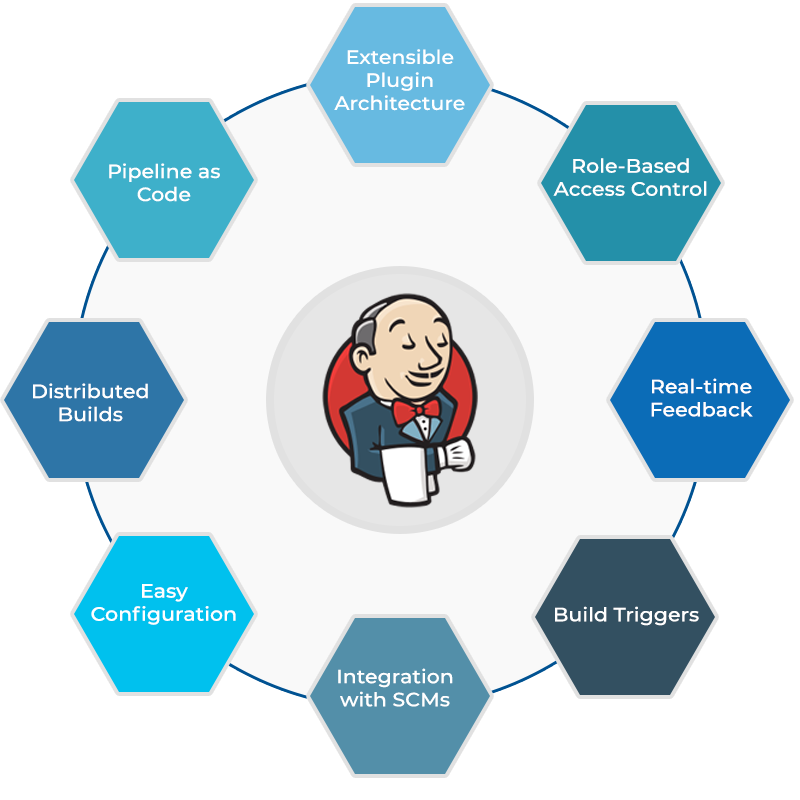
  • Extensible Plugin Architecture: Over 1,800 plugins to extend functionality
  • Pipeline as Code: Define CI/CD workflows using Jenkinsfile
  • Distributed Builds: Scale with multiple agents/slaves
  • Easy Configuration: Web UI for configuring jobs and pipelines
  • Integration with SCMs: Supports Git, SVN, Mercurial, and more
  • Build Triggers: Start builds via webhooks, polling, or schedules
  • Real-time Feedback: View build statuses, logs, and test results
  • Role-Based Access Control: Secure project access and manage user roles

Jenkins Use Cases

Azure offers industry-leading security features and is compliant with over 90 international standards.

Software Development Teams

. Continuous integration . Automated testing and static analysis . Continuous delivery

CONTACT US

Get Customized Solutions, Recommendations, and Estimates for Your Requirements.

100% Confidential
We sign NDA
Or Reach Out To Us At

[email protected]

Fill out the form and we will contact you