Magento Slow Reindexing is one of the most common performance issues faced by Magento 2 store owners. If you run a Magento 2 store, you’ve probably experienced slow or stuck indexing at some point. Inventory or price reindexing that should complete in seconds may suddenly take 15–20 minutes—or fail to finish altogether. Product updates become slow, stock levels appear incorrect on the storefront, and server CPU usage spikes.
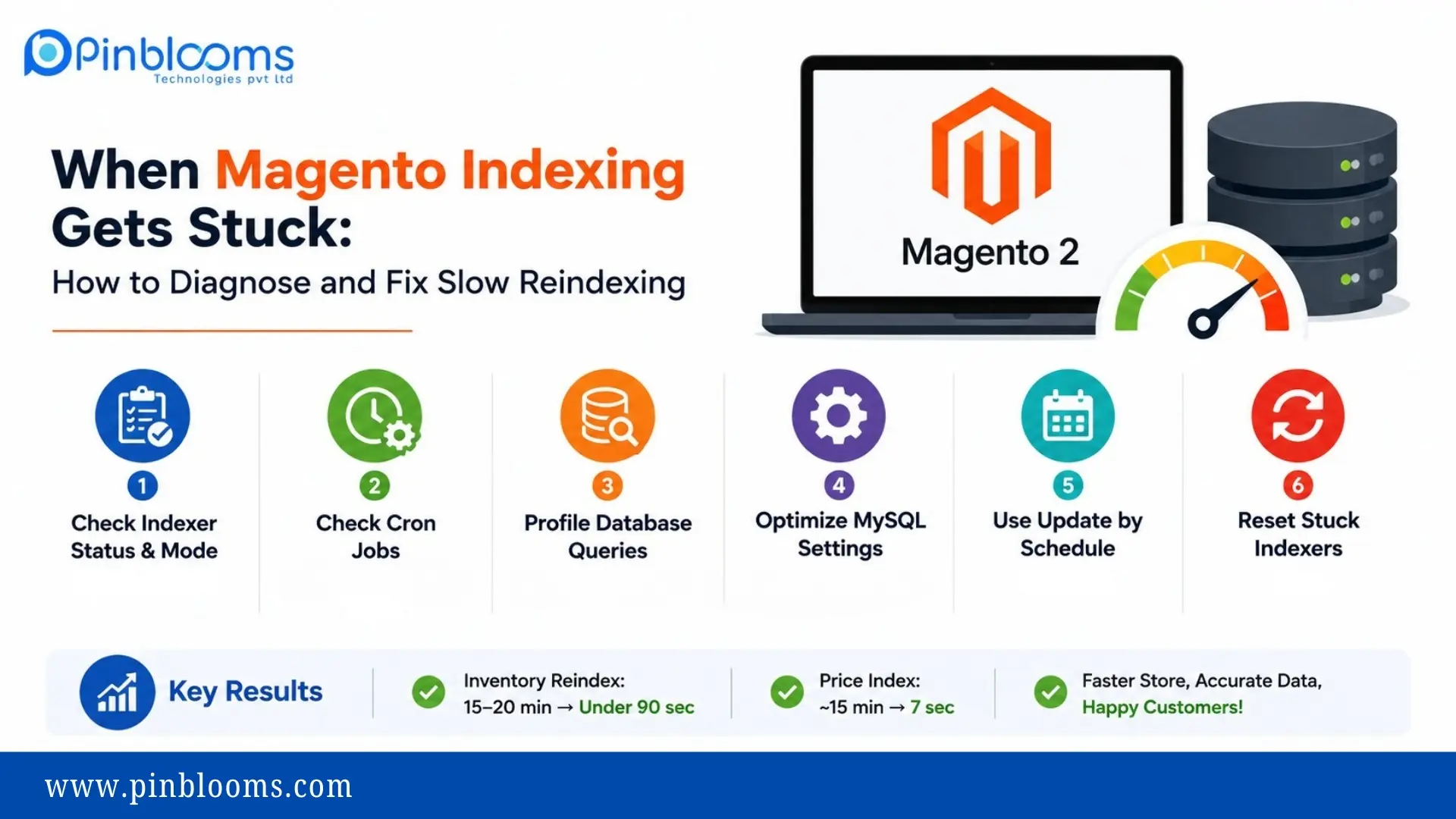
Recently, we resolved this issue on a production Magento store with approximately 14,000 products. The full inventory reindex was reduced from 15–20 minutes to less than 90 seconds, while the price index dropped from around 15 minutes to just 7 seconds.
In this guide, we’ll walk through the exact troubleshooting process.
Common Symptoms of Magento Slow Reindexing
indexer:reindextakes several minutes or never finishes- High MySQL CPU usage
- Product prices or inventory don’t update on the storefront
- Error:
Inventory index is locked by another reindex process. Skipping.
Slow indexing is usually a symptom of a deeper issue rather than the root cause.
Step 1: How to Diagnose Magento Slow Reindexing
Run the following commands:
php bin/magento indexer:status
php bin/magento indexer:show-mode
What to Look For
- Indexers stuck in Working
- Large indexing backlogs
- Indexers configured as Update on Save
- Whether Update by Schedule is enabled
Step 2: Fix Magento Slow Reindexing by Checking Cron Jobs
One of the most common causes of slow indexing is a hung cron process consuming server resources.
Check Running Processes
ps -eo pid,user,etime,time,%cpu,cmd --sort=-%cpu | headIn our case, a third-party integration cron had been consuming CPU for over 12 hours.
Verify Magento Cron Configuration
Check every user’s cron configuration:
sudo crontab -l -u <user>Magento should have only one cron runner.
* * * * * php /path/to/magento/bin/magento cron:run >> /path/to/magento/var/log/magento.cron.log 2>&1Step 3: Optimize MySQL for Magento Slow Reindexing
Monitor database activity while indexing.
SELECT id, time, state, LEFT(info,120)
FROM information_schema.processlist
WHERE command != 'Sleep'
AND info IS NOT NULL
ORDER BY time DESC;
Identify the Real Bottleneck
We discovered inventory indexing was spending almost all its time inside the Magento price index.
The slow query was repeatedly executing:
- DELETE
- LEFT JOIN
- Large index tables (324,000+ rows)
The PHP process wasn’t slow—the database was.
Step 4: Prevent Magento Slow Reindexing with Scheduled Indexing
Database tuning produced the biggest performance improvement.
Recommended MySQL Settings
innodb_buffer_pool_size = 4G
tmp_table_size = 256M
max_heap_table_size = 256M
innodb_io_capacity = 2000
Additional Recommendations
- Keep
tmp_table_sizeandmax_heap_table_sizeequal. - Disable Query Cache.
- Restart MariaDB/MySQL after changes.
sudo systemctl restart mariadbResult:
- Price Index: 15 minutes → 7 seconds
Step 5: How to Prevent Magento Slow Reindexing
Production stores should avoid synchronous indexing.
php bin/magento indexer:set-mode schedule
php bin/magento cache:flush
Step 6: Reset a Stuck Magento Indexer
If indexing was interrupted, reset the indexer.
php bin/magento indexer:reset <indexer_id>
php bin/magento indexer:reindex <indexer_id>
This clears stale “Working” status flags.
Upgrade Your Database Version
Older database versions can significantly slow Magento indexing.
Recommended Versions
- MariaDB 10.6+
- MySQL 8.0+
These versions include performance improvements and security updates.
Magento Indexing Prevention Checklist
- One Magento cron runner only
- Use Update by Schedule
- Proper InnoDB Buffer Pool sizing
- Set tmp_table_size ≥ 256 MB
- Disable Query Cache
- Monitor long-running cron jobs
- Upgrade to a supported database version
- Review third-party module cron jobs regularly
Final Takeaway
Magento indexing problems are rarely caused by Magento itself. In most cases, slow indexing results from duplicate cron jobs, database configuration issues, or stale indexer statuses.
By following a structured troubleshooting process—checking indexers, reviewing cron jobs, profiling SQL queries, and optimizing MySQL—you can dramatically reduce indexing time and improve your Magento store’s overall performance.